
Documentation Index

Fetch the complete documentation index at: https://daehan-base.mintlify.app/llms.txt

Use this file to discover all available pages before exploring further.

원활한 사용자 인증과 지갑 관리를 위해 Base Account와 함께 Thirdweb을 설정하는 방법을 알아보세요.

개요

Thirdweb은 지갑 연결, 인증, 스마트 컨트랙트 상호작용이 포함된 완전한 온체인 애플리케이션 개발 프레임워크를 제공합니다. Base Account와 Thirdweb을 통합하면 Thirdweb의 ConnectButton 컴포넌트를 활용하면서 사용자에게 네이티브 Base Account 지갑 지원을 제공할 수 있습니다.

달성할 내용

이 가이드를 마치면 다음을 할 수 있습니다:
  • Base Account 지원으로 Thirdweb 설정
  • 이메일 인증과 함께 Base Account를 지갑 옵션으로 제공
  • Thirdweb의 ConnectButton을 사용한 세련된 지갑 연결 경험 구현
Base Account Thirdweb 템플릿으로 바로 시작할 수 있습니다.

설치

1. 새 Next.js 프로젝트 생성

npx create-next-app@latest base-account-thirdweb
cd base-account-thirdweb

2. 의존성 설치

Thirdweb SDK를 설치합니다 (Base Account 지원에는 버전 5.118.0 이상이 필요합니다):
npm install thirdweb@^5.118.0

설정

1. 환경 변수 설정

프로젝트 루트에 .env.local 파일을 생성합니다:
NEXT_PUBLIC_THIRDWEB_CLIENT_ID=your-client-id
클라이언트 ID는 Thirdweb 대시보드에서 가져옵니다.

2. Thirdweb 클라이언트 생성

클라이언트 설정 파일을 생성합니다:
src/lib/client.ts
import { createThirdwebClient } from "thirdweb";

export const client = createThirdwebClient({
  clientId: process.env.NEXT_PUBLIC_THIRDWEB_CLIENT_ID!,
});

3. ThirdwebProvider 설정

프로바이더 래퍼 컴포넌트를 생성하고 레이아웃을 업데이트합니다:
"use client";

import { ThirdwebProvider } from "thirdweb/react";

export default function Providers({ children }: { children: React.ReactNode }) {
  return <ThirdwebProvider>{children}</ThirdwebProvider>;
}

사용법

지갑 설정과 함께 Thirdweb의 ConnectButton을 사용합니다:
src/app/page.tsx
"use client";

import dynamic from "next/dynamic";
import { lightTheme } from "thirdweb/react";
import { inAppWallet, createWallet } from "thirdweb/wallets";
import { base } from "thirdweb/chains";
import { client } from "@/lib/client";

// SSR 하이드레이션 문제를 방지하기 위한 동적 임포트
const ConnectButton = dynamic(
  () => import("thirdweb/react").then((mod) => mod.ConnectButton),
  { ssr: false }
);

// 지갑 설정
const emailWallet = inAppWallet({
  auth: {
    options: ["email"],
  },
});

const baseAccountWallet = createWallet("org.base.account");
const wallets = [emailWallet, baseAccountWallet];
const recommendedWallets = [baseAccountWallet];

// 커스텀 테마 (선택사항)
const customTheme = lightTheme({
  colors: {
    primaryButtonBg: "#0052FF",
    primaryButtonText: "#FFFFFF",
    accentText: "#0052FF",
  },
});

export default function Home() {
  return (
    <main className="min-h-screen flex items-center justify-center">
      <ConnectButton
        client={client}
        wallets={wallets}
        recommendedWallets={recommendedWallets}
        chain={base}
        showAllWallets={false}
        theme={customTheme}
        connectButton={{
          label: "로그인",
        }}
        connectModal={{
          title: "로그인",
          size: "compact",
        }}
      />
    </main>
  );
}

3. 로컬에서 프로젝트 실행

완료되었습니다! 로컬에서 프로젝트를 실행합니다:
npm run dev
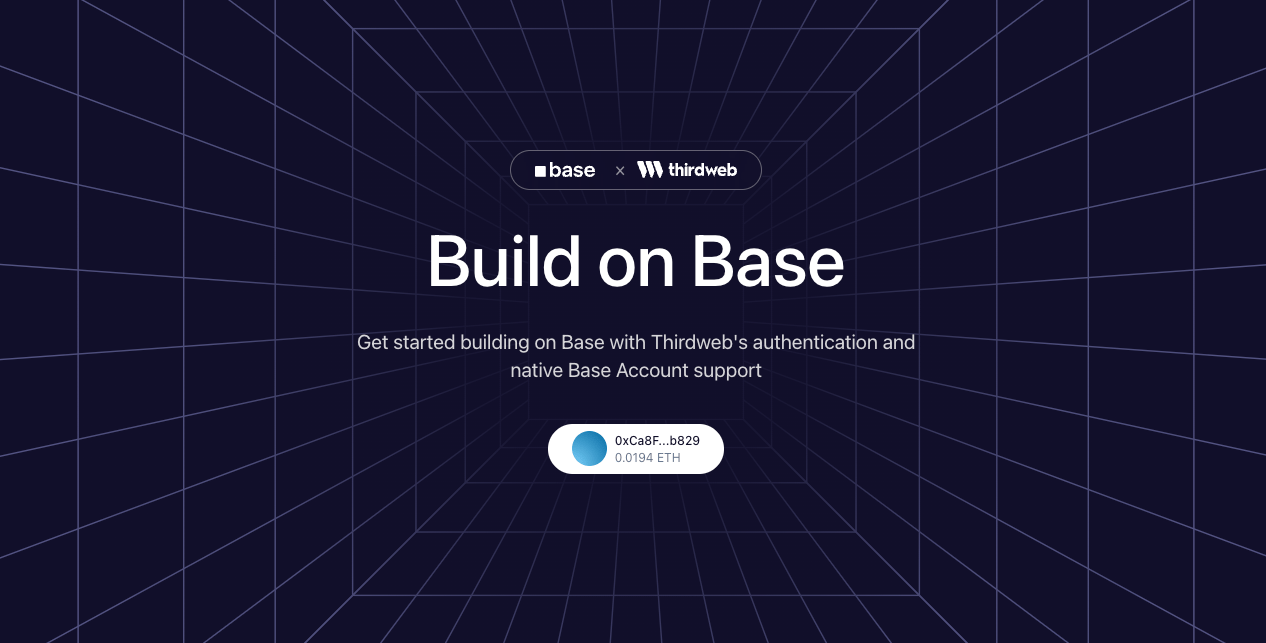
“로그인” 버튼이 있는 페이지가 표시됩니다. 클릭하면 Base Account와 이메일 인증 옵션이 있는 Thirdweb 연결 모달이 열립니다.
Base × Thirdweb 데모

커스터마이징

지갑 옵션

연결 모달에 표시되는 지갑을 커스터마이징할 수 있습니다:
// 이메일만
const wallets = [inAppWallet({ auth: { options: ["email"] } })];

// Base Account만
const wallets = [createWallet("org.base.account")];

// 소셜 로그인을 포함한 다중 옵션
const wallets = [
  inAppWallet({
    auth: {
      options: ["email", "google", "apple", "discord"],
    },
  }),
  createWallet("org.base.account"),
];

테마

lightTheme 또는 darkTheme을 사용하여 외관을 커스터마이징합니다:
import { lightTheme, darkTheme } from "thirdweb/react";

// 커스텀 색상이 있는 라이트 테마
const theme = lightTheme({
  colors: {
    primaryButtonBg: "#0052FF",
    accentText: "#0052FF",
    modalBg: "#FFFFFF",
  },
});

// 또는 다크 테마 사용
const theme = darkTheme();

체인

thirdweb/chains에서 임포트하여 기본 체인을 변경합니다:
import { base, baseSepolia, mainnet } from "thirdweb/chains";

<ConnectButton
  client={client}
  chain={baseSepolia} // Base Sepolia 테스트넷 사용
  // ...
/>

리소스